🕐 Reading time: 2 minutes
Yesterday afternoon, stuck at home because of Covid and with way too much free time on my hands, I decided to build a small macOS app to fill a few gaps in Apple's Photos app. The idea was to make managing albums and folders simpler by adding some missing features, such as:
- automatically creating N albums from the same number of folders
- handling a parent folder containing subfolders, with the matching albums generated automatically
- counting the items per album and the overall total
🔍 The challenge with macOS
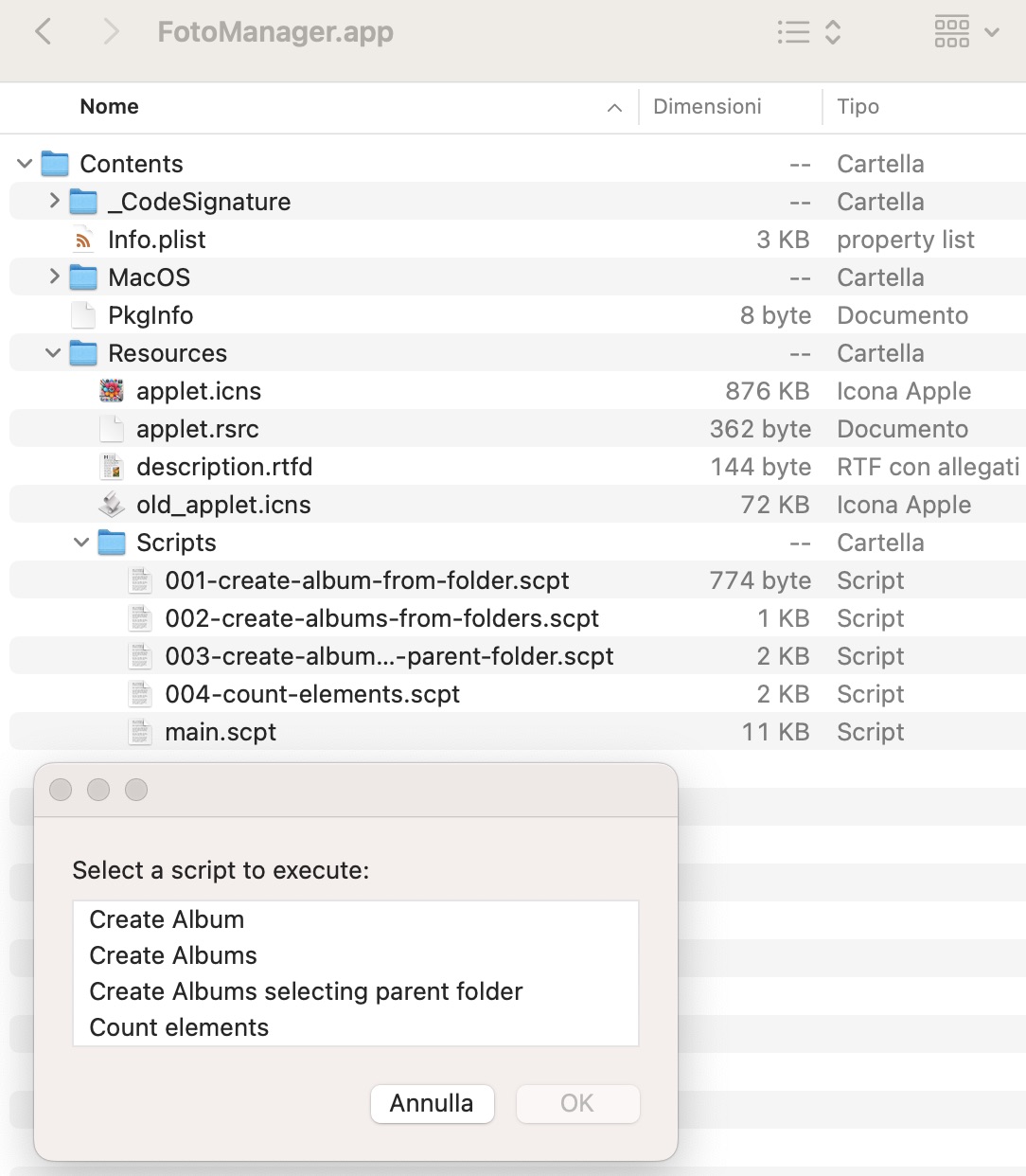
I had never used macOS scripting, nor did I know anything about it. That's where ChatGPT came in. Through a series of prompts, I asked GPT to write the AppleScript scripts I needed to cover all the required features. These scripts were handled by a "script manager", the entry point of my app (also written by GPT), which let me pick which .scpt to run.
📑 Simple, fast development: minimal errors
Surprisingly, the simpler scripts worked on the first try. For the more complex ones, I added a bit of logging to track the errors and, once I turned them into prompts, GPT fixed the problems almost immediately. In just a few debugging cycles, everything started working as expected!
📌 My contribution? Almost none
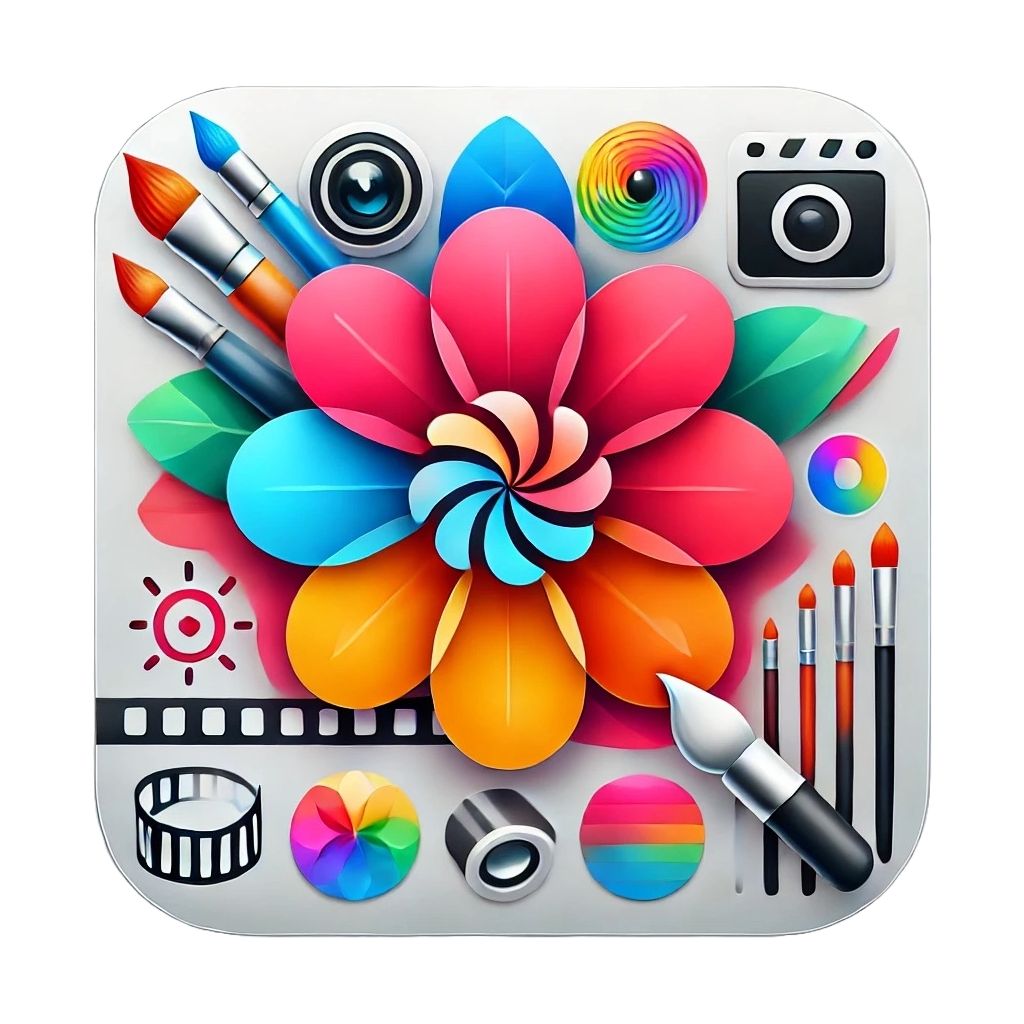
My involvement was minimal: I only checked StackOverflow to solve a minor issue related to the app icon. For everything else, GPT did it all: it generated and fixed the scripts, produced a valid icon on the first shot, and recommended three online tools to crop it, centre it and convert it to the .icns format.
🚀 Conclusion: automated development
In just a few hours and with very little effort on my part, I managed to put together a small, working app, despite my complete lack of experience with the language or Apple's APIs. All in all, the afternoon turned out not to be so boring after all! Oh, and in case you're wondering, yes, this article was written with ChatGPT's help too! 🤖
And with this article we're also kicking off a few dev spin-off reads unrelated to Java!
See you at the next pill! ☕